

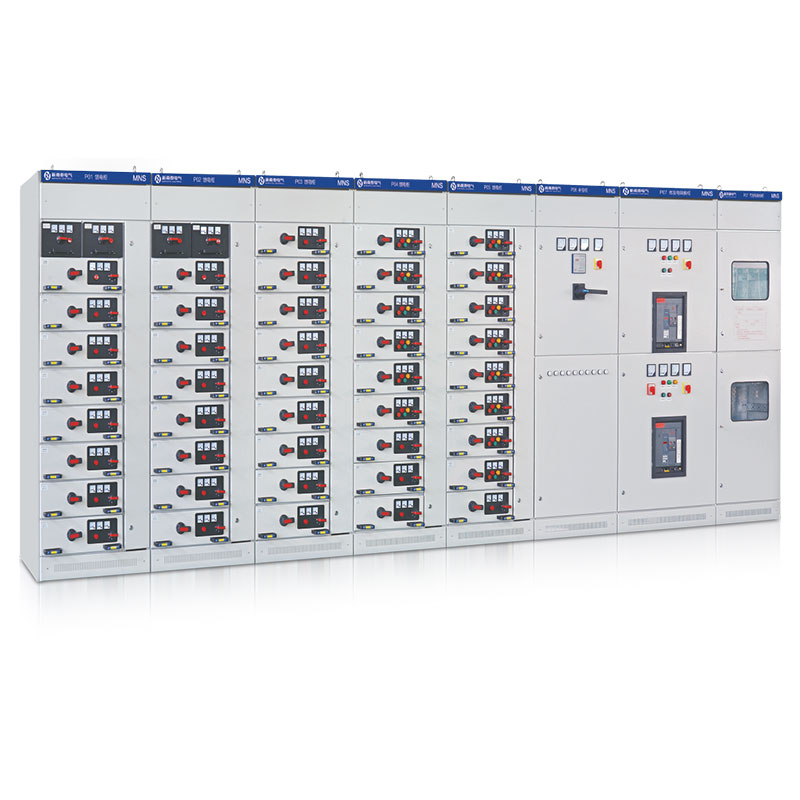


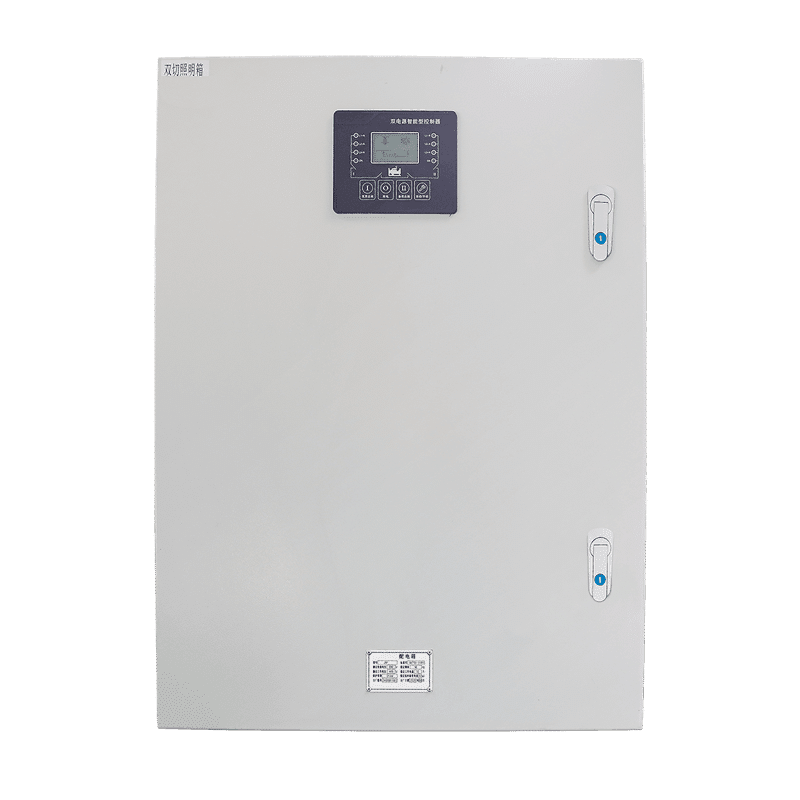


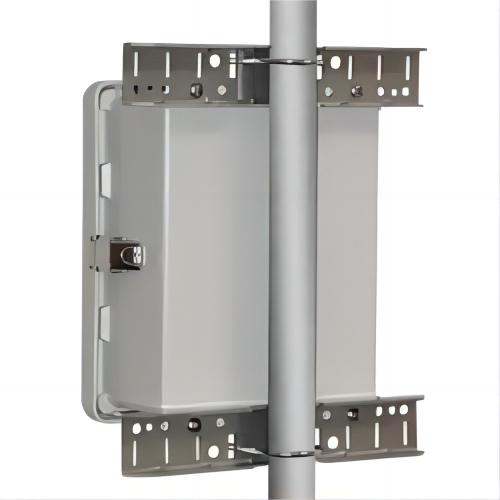


A PLC control panel connects programmable logic to machines, process equipment, sensors, drives, valves, and operator interfaces: it is the industrial meeting point where power distribution, control electronics, and software converge in one engineered enclosure. The same basic architecture can support different applications, but the I/O, sequence, alarms, enclosure, and interfaces must be defined for the process — which is why understanding application families, and the planning inputs each one demands, is the practical way to specify a panel that works the first day and stays maintainable. This guide maps the common application groups, the responsibility boundaries behind them, the engineering inputs that turn a generic panel into a project-specific one, and the standards and acceptance evidence that close the loop.
What a PLC control panel is used for
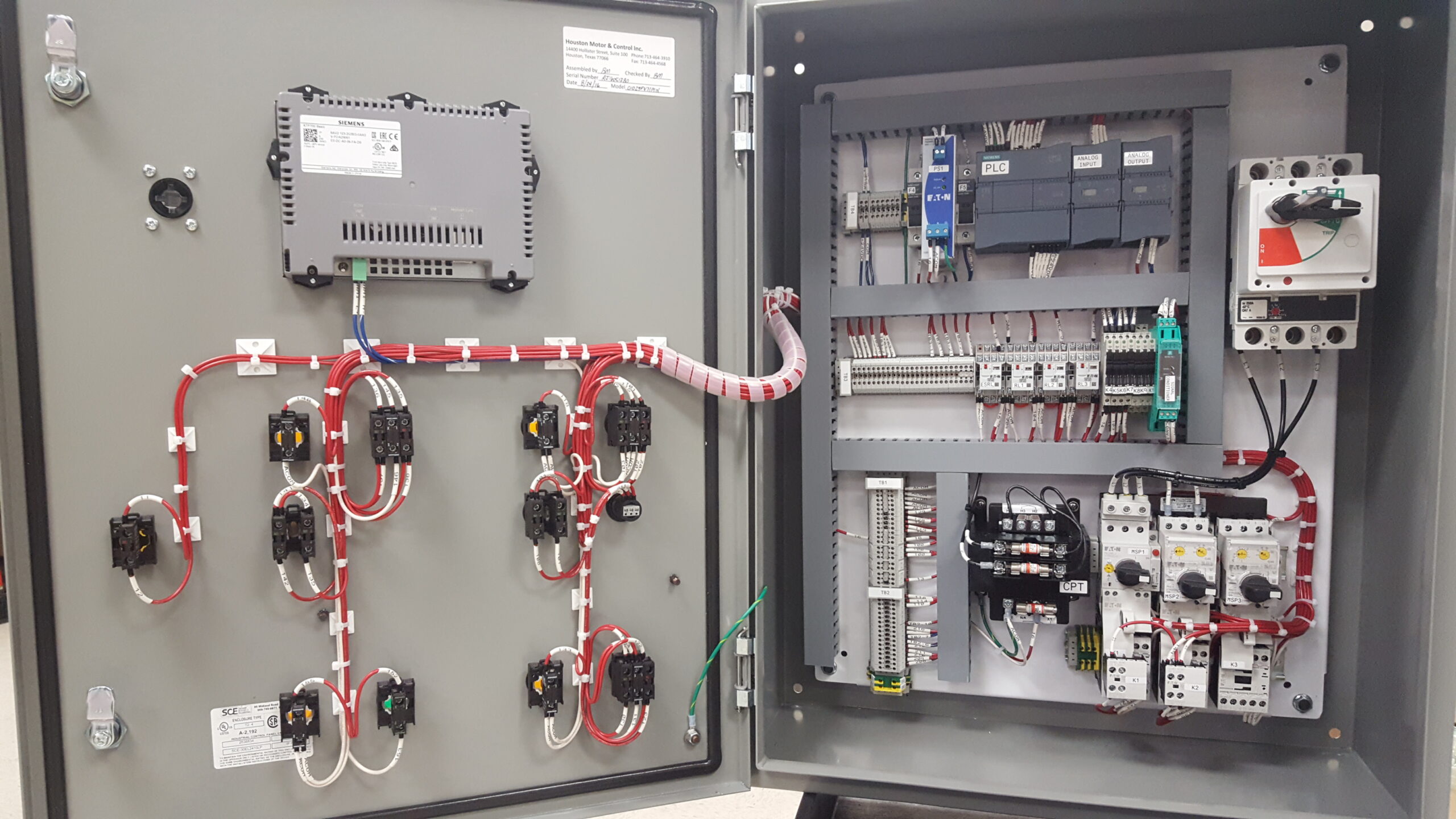
Physically, the panel combines power distribution (incoming protection, branch circuits, motor protection), power components (contactors, VFDs, power supplies), the PLC or controller with its I/O cards, safety devices, and interface terminals — arranged, wired, and documented as one assembly. Functionally, it automates whatever sequence it is programmed and wired for: starting and stopping equipment in defined orders, protecting machines with interlocks, collecting the data operations need, and giving operators a controlled window into the process through the HMI. The panel is therefore simultaneously electrical equipment, the controller’s home, and the process’s interface point — three roles that each make demands on its engineering.
Common application groups
PLC panels may be used for pumping and water handling, material conveying and feeding, machine automation, motor and VFD control, dosing and process skids, building or equipment monitoring, and power-system auxiliaries. These labels describe application families, not a guarantee that one panel covers every process or protocol.
| Application group | Typical planning inputs |
|---|---|
| Pumping and water | Duty/standby logic, level, flow, pressure, alarms, and manual modes |
| Material handling | Conveyor sequence, permissives, jam detection, drives, and downstream readiness |
| Machine automation | Cycle steps, sensors, actuators, HMI, safety boundary, and recipes |
| Dosing and process skids | Pump/valve interfaces, tank levels, flow feedback, and interlocks |
| Building or equipment monitoring | Points, thresholds, alarms, network handoff, and restart behavior |
| Power auxiliaries | Breaker status, metering, interlocks, and interface to the distribution system |
Define the control responsibility
Before selecting a PLC, list what the panel controls, what it only monitors, and what belongs to an upstream or downstream system. Define local, remote, automatic, maintenance, and emergency states. Identify which alarms require an operator response and which conditions inhibit a start. This responsibility matrix prevents a generic PLC application article from becoming an unsupported promise of software, SCADA, remote monitoring, or commissioning — and it is the document that keeps two vendors’ scopes from either overlapping or leaving a gap where each assumed the other.
I/O and interface planning
Create an I/O list with signal type, range, normal state, cable route, terminal, and owner. For drives, record command source, reference, run feedback, fault feedback, and stop behavior. For networked equipment, confirm the protocol, gateway, addressing, and responsibility only when supported by the selected components. The deeper engineering of the tag database, screens, and alarm philosophy is covered in our HMI-PLC interface planning guide; the machine-side sequence engineering in the PLC machinery guide.
Panel and environment selection
The enclosure, power supply, cooling, cable entry, labels, and maintenance access should match the installation environment. Record temperature, moisture, dust, corrosion, vibration, and mounting. A panel for a clean control room and a panel for a washdown food line are different products sharing a schematic — enclosure rating, material, gasket integrity, and thermal design differ even when the I/O list is identical. A PLC panel image does not prove a specific enclosure rating, brand compatibility, or project result; the specification and the nameplate do.

Standards and compliance context
Three standard layers govern a PLC control panel. The assembly itself is built to the market’s panel standard: UL 508A with NFPA 79 for industrial machinery in North America, or IEC 61439-1/-2 with IEC 60204-1 for machine electrical equipment in IEC markets (CSA C22.2 No. 14 for Canadian installations). The controller and its programming follow the IEC 61131 family, including the 61131-3 programming languages, which is what makes code reviewable and portable across integrators. Functions implemented as safety (emergency stop chains, guard interlocks with required performance levels) fall under ISO 13849 or IEC 61508 with levels set by the machine risk assessment — ordinary PLC logic does not qualify until engineered and validated to those standards. Networked and remotely accessed panels add the IEC 62443 cybersecurity layer. Which standards apply to your panel is a market-and-contract question answered at the start; our control panel design standards guide maps the decision.
Documentation and handover
Agree the control narrative, I/O schedule, alarm matrix, panel drawings, terminal schedule, labels, software responsibility, inspection, testing, and commissioning boundaries. If the machine or process supplier provides a local controller, show the interface clearly. The documentation set is the panel’s service manual for its whole life: projects that treat it as a deliverable get maintained panels; projects that treat it as paperwork get archaeology.
Scope boundary
This guide does not provide a universal PLC program or claim support for every PLC brand, network, safety function, or process. It provides a framework for matching a real application to a panel scope.
Frequently asked questions
How do I know which application family my project falls into?
By the sequence, not the industry: if the panel’s job is duty/standby equipment with level or pressure logic, it is a pumping-and-water pattern whatever the industry calls it. The application table’s planning inputs translate directly into your I/O list either way.
Can one panel serve two application families?
Commonly yes — a machine panel with a supervisory add-on, or a skid panel with building-monitoring points. The discipline is the responsibility matrix: each family’s sequences and alarms get defined separately before the panel layout is frozen.
How much spare capacity should the panel carry?
10–20 percent spare I/O of each card type, terminal strip room to land it, and enclosure thermal margin for it — spares that cannot be wired later are decorative.
Does the PLC brand matter more than the panel builder?
They matter differently: the brand locks your maintenance ecosystem and spare strategy; the panel builder determines whether the assembly around it is compliant, documented, and serviceable. Specify the brand where standardization requires it, evaluate the builder on evidence always.
What is the difference between the panel’s FAT and commissioning?
FAT proves the panel and program against simulated inputs before shipment; commissioning proves the same system against the real process and interfaces. The follow-up question that protects both: which signals cannot be simulated and therefore must be explicitly re-tested on site — that list, agreed in advance, is the difference between a fast start-up and a long one.
Who should own the program source code?
The end user, as a contractual deliverable with passwords and backups at each acceptance gate. A panel without its source is a rental that outlives the landlord.
Procurement scenarios
For a first skid or machine panel, order with the full documentation set and a witnessed FAT covering I/O point-by-point, alarm forcing, and a demonstration of every operational mode — the modest premium buys the baseline every future panel at that site will be measured against. For multi-panel rollouts across similar skids, qualify one design and order repeats against the qualified drawings and test record; standardization is where panel economics improve without quality loss. For export deliveries, settle the destination market’s compliance path (UL 508A build or IEC 61439 verification) at order stage and bundle language-appropriate documentation, safety validation files, and critical spares with the first shipment — retrofitting any of these across an ocean routinely costs more weeks than building them in from the first quotation.
ElectricalCabinet.net can use these inputs to route a PLC control-panel enquiry to the appropriate control, VFD, enclosure, and application capability — and the surrounding engineering is covered in our programmable automation overview and custom automation solutions guide.
 EN
EN