







An HMI control panel should present the operator with the right process information and controls while fitting the enclosure, PLC, network, and service requirements. The design starts with operator tasks and process responsibilities, not screen decoration alone.
Define operator needs
Record operating modes, commands, permissives, alarms, trends, status data, users, access levels, languages, and the process owner’s terminology. Separate safety functions from ordinary HMI controls and identify what remains hardwired or handled by the PLC.
Panel and network inputs
Capture HMI dimensions, mounting, viewing angle, door access, heat, cable entry, PLC/network interfaces, power, grounding, labeling, and maintenance. Define the owner of screen design, tag naming, alarm philosophy, backups, and change control.
Checklist
- Operator tasks, modes, alarms, data, and user roles.
- PLC, network, power, grounding, and responsibility interfaces.
- Mounting, environment, heat, access, and cable-entry constraints.
- Screen, tag, backup, documentation, and revision requirements.
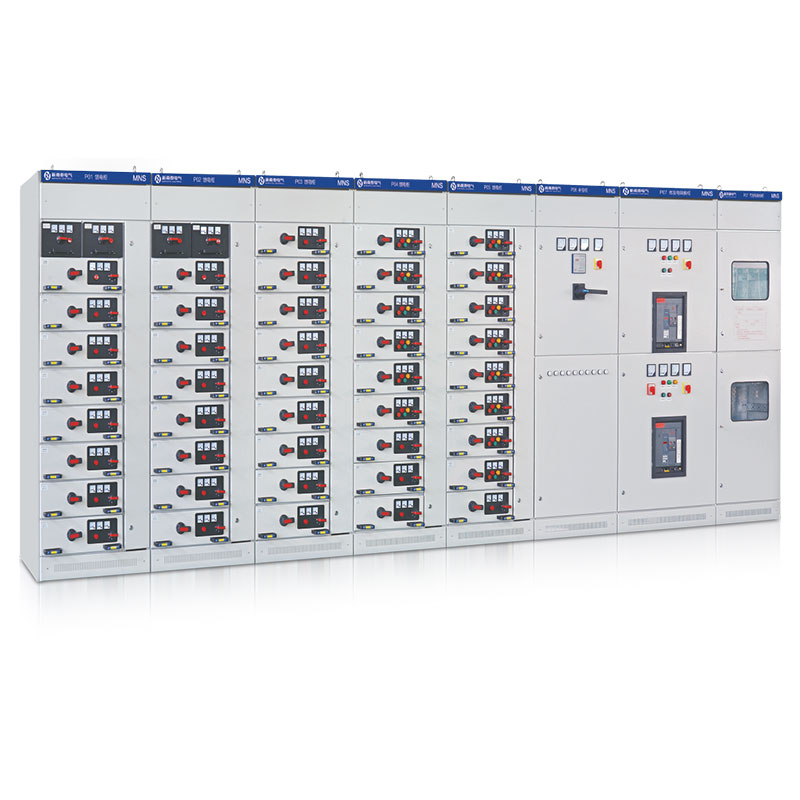
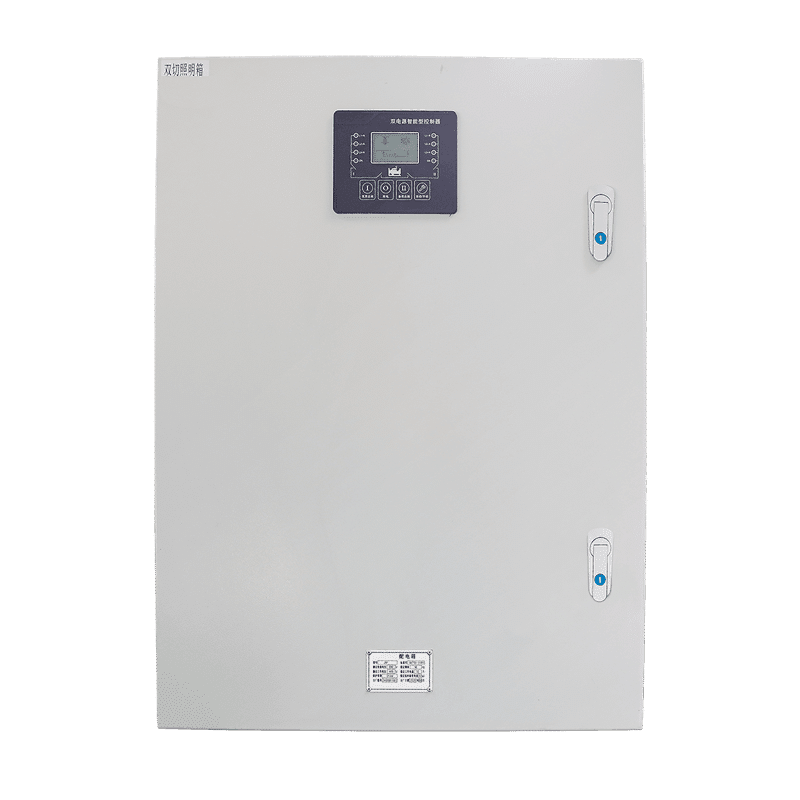
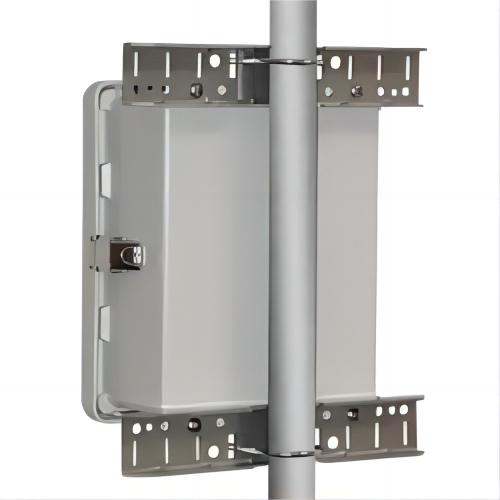
Use HMI cabinet images as layout examples; they do not prove a specific software architecture or validated interface.
 EN_GB
EN_GB  EN
EN  EN_ZA
EN_ZA  AR
AR  DE
DE  ES
ES  FR
FR  IT
IT  JA
JA  ZH
ZH  TR
TR  RU
RU  EN_CA
EN_CA  EN_AU
EN_AU  NL
NL  PT
PT  FA
FA